CONDITIONAL STATEMENTS - Javascript
A conditional statement is a series of instructions that are considered true when specific conditions are met. When writing code, we want to be able to take various actions depending on the circumstances without having to define a new set of conditions everytime, this is accomplished in programming using conditional statements. These statements have many applications, and computer programmers frequently use them to verify assumptions and create rules that programs must abide by.
The following are some examples of conditional statements in javascript:
- "if" statement
- "else" statement
- "else if" statement
- Switch statement
The "if" statement
This is a conditional statement that will perform the specified action in the event that the given condition is true. There must be a clear condition before a given action can be executed if it is met.
The syntax of "if" statement:
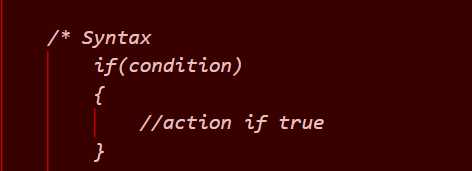
To write an "if" statement:
- Establish a variable.
- Put the necessary conditions in brackets.
- Activate a curly bracket
- Indicate what should happen if the condition is true or met.
- Close the curly bracket
Example:
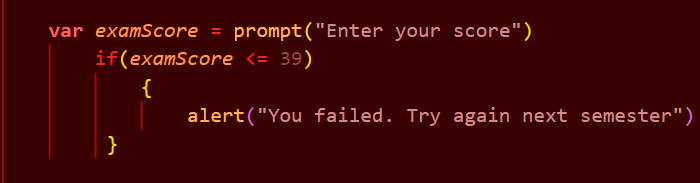
In the above example,
The variable is examScore
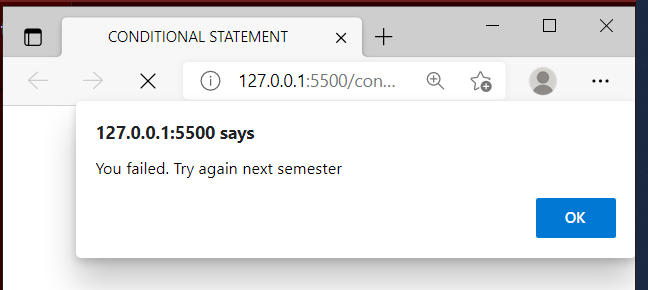
The condition is that if examScore is less than or equal to 39, you want the user to see "You failed. Try again next semester" on the screen.
The above result translates to below when you open with lifesaver:
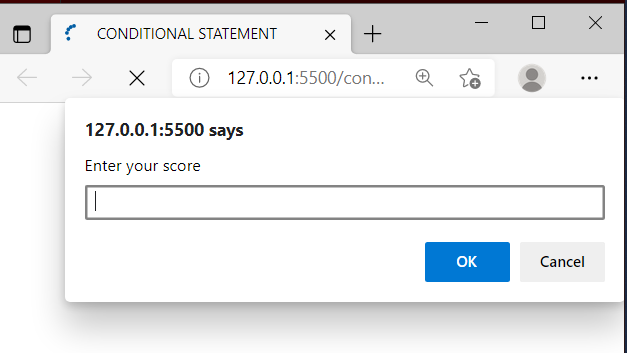
If you input any number less than or equal to 39 which makes the condition true, you get the alert below:
The "else" statement
else statement is used to perform an alternative action if the same condition specified earlier is false. The statement allows another action to occur without declaring a second condition.
"else" statement syntax:
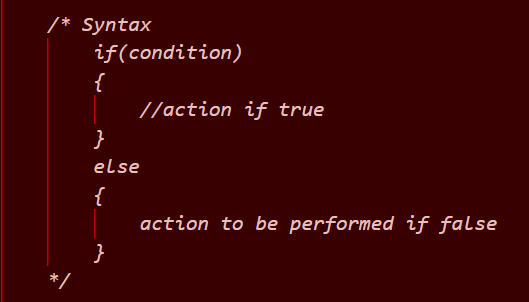
To write an "else" statement:
- Declare a variable
- Specify condition to be met in a bracket
- Open a curly bracket
- State the action to be performed if condition is true/met
- Close the curly bracket
- State else
- Open another curly bracket
- State action to be performed if condition is false/not met
- Close the second curly bracket
Example: using the same example used in if statement
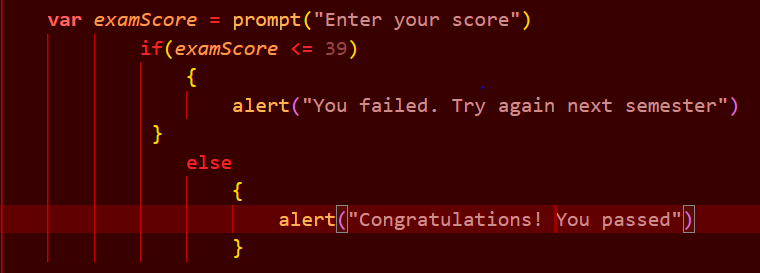
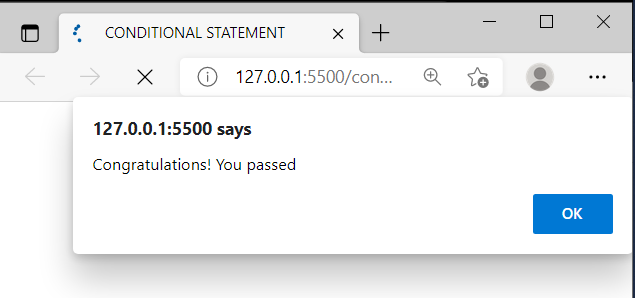
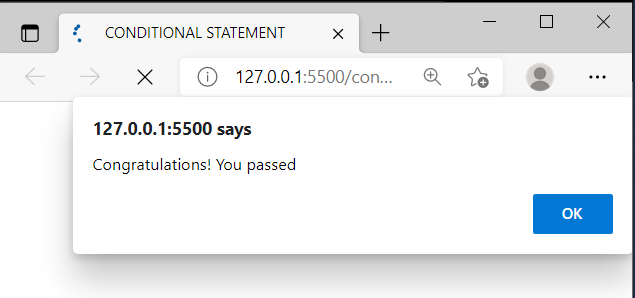
This example produces the same result as seen in the if statement as long as the condition remains true. But if the examScore is greater than 39, a different message is displayed. In this case,it is "congratulations! You passed" as seen below.
The "else if" statement
This conditional statement is used to specify a completely new condition to be tested if the first condition is false. In this situation, the program tests the first condition and if it is not met, it tests the second condition which is the else if condition to see if it is true. It then displays results accordingly.
"else if statement syntax:
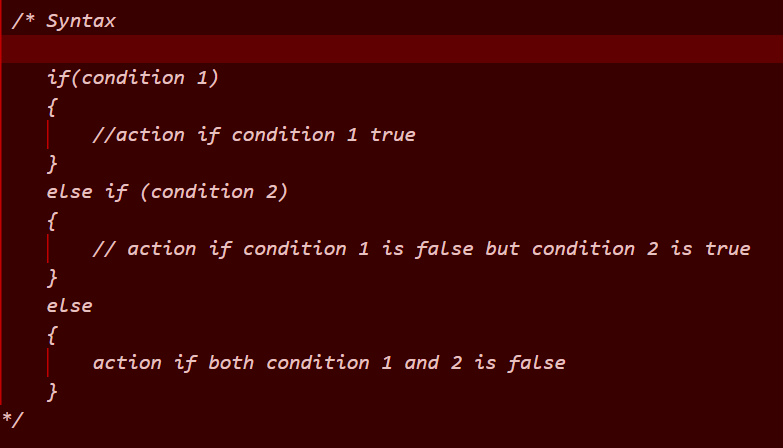
To write an "else if" statement:
- Declare a variable
- Specify the first condition to be met in a bracket
- Open a curly bracket
- State the action to be performed if condition 1 is true/met
- Close the curly bracket
- State else if
- Specify condition 2
- Open curly bracket
- State action to be perform if condition 1 is false but condition 2 is true
- Close curly bracket
- State else
- Open another curly bracket
- State action to be perfomed if both condition 1 and condition 2 is false/not met
- Close curly bracket
Example: same as before
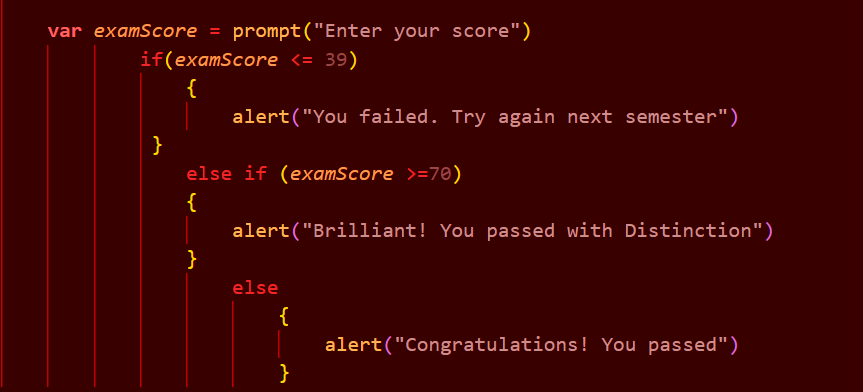
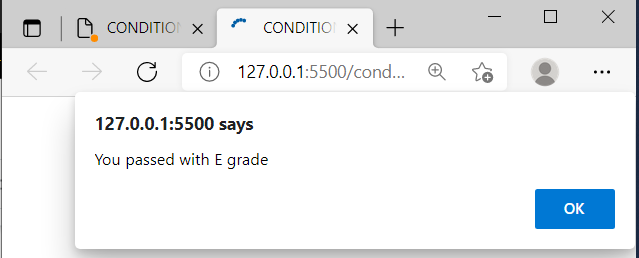
This example produces the three (3) results below:
- If condition 1 is true
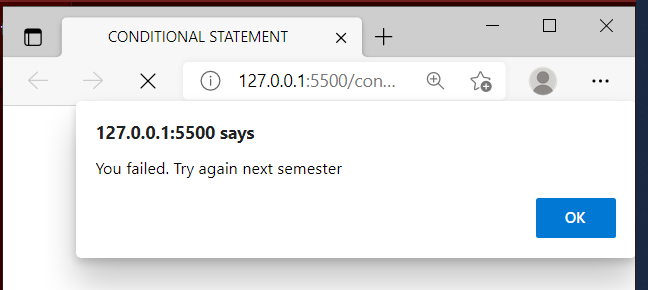
- if condition 1 is false but condition 2 is true
- if both condition 1 and condition 2 is false
The "switch" statement
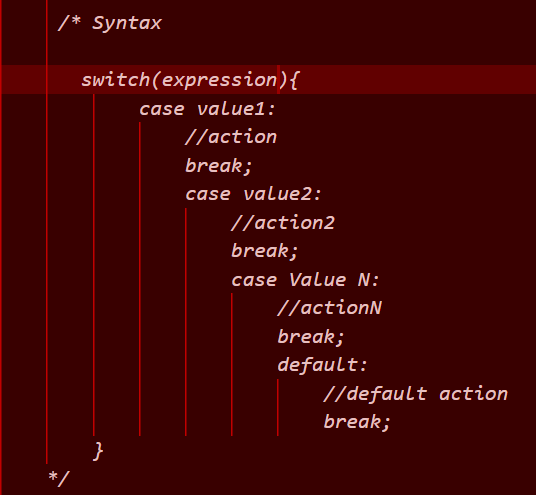
A switch statement serves as a substitute for the "else if" statement preferably in cases that involves more than 3 conditions. In this type of conditional statement, a switch expression is stated, the value of the expression is compared with the value of each case, if the value is the same, the associated action is executed. If there is no match, the action in the default code block is executed.
switch statement syntax:
The "break" keyword
When the program reaches the keyword, it breaks out of the switch block, this stops the execution of action in the switch block. If the break statement is omitted, the next case will be executed even if the value doesn't match the expression.
The "default" keyword
The default keyword specifies the action to perform if no case matches the value of the expression. Example: same as before
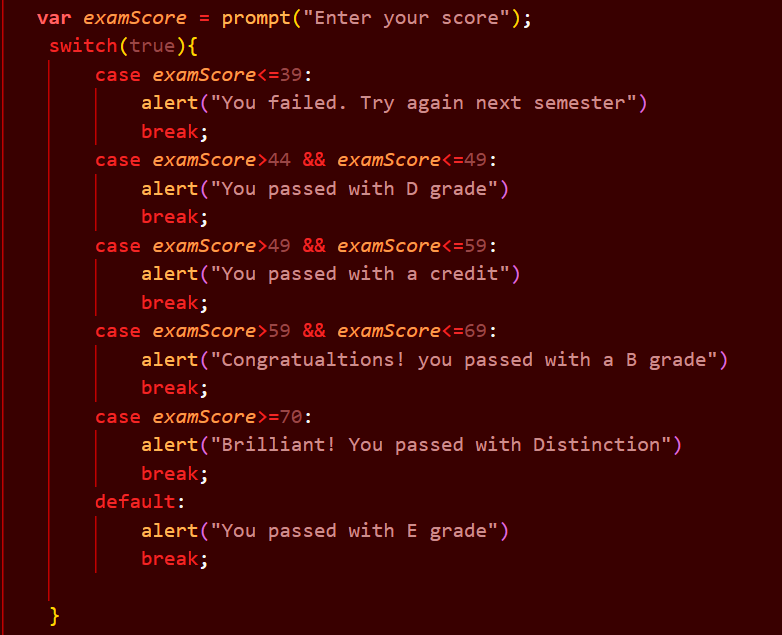
There are 6 cases and actions in the above example (5 cases and a default case).
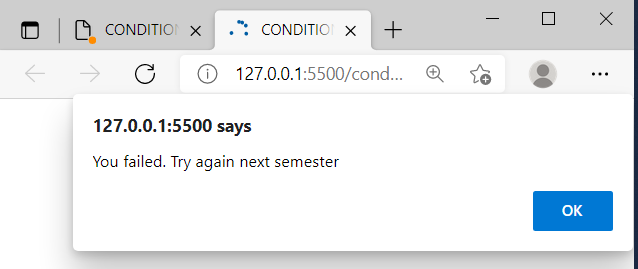
The switch statement produces a neater code than the else if statement, and the result of the above program is shown below.
- If examScore is less than or equal to 39
- If examScore is greater than 44 and less than or equal to 49
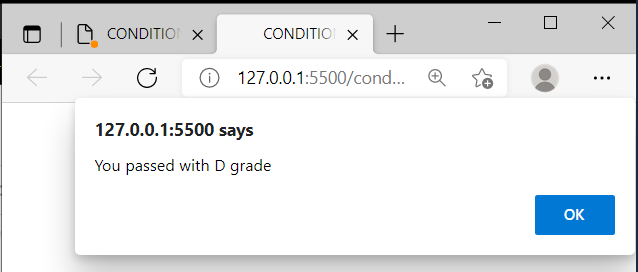
- If examScore is greater than 49 and less than or equal to 59
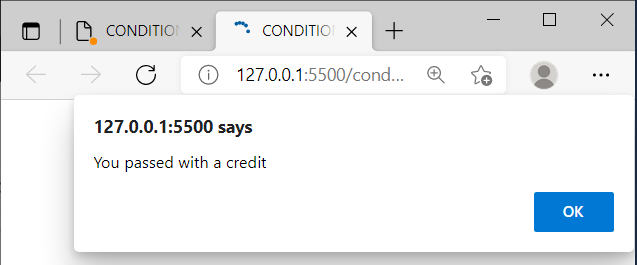
- If examScore is greater than 59 and less than or equal to 69
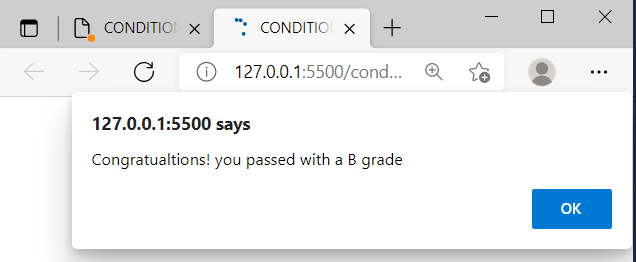
- If examScore is greater than or equal to 70
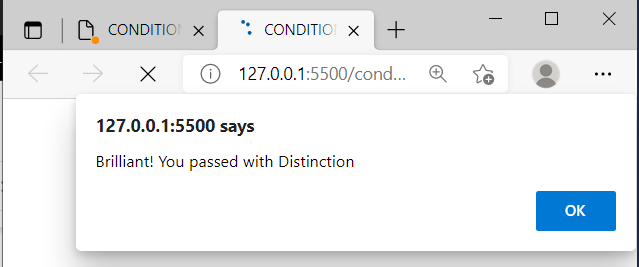
- If none of the cases matches the value of the expression
Please keep in mind that this is an attempt to demonstrate my knowledge of Mr Kenny's Javascript Conditional Statement class. If you are new to the world of software development and find this useful, please click the like button. If you are an expert in the field, please share your thoughts.
Keep an eye out for my future piece.
Thank You
Tekherbalist